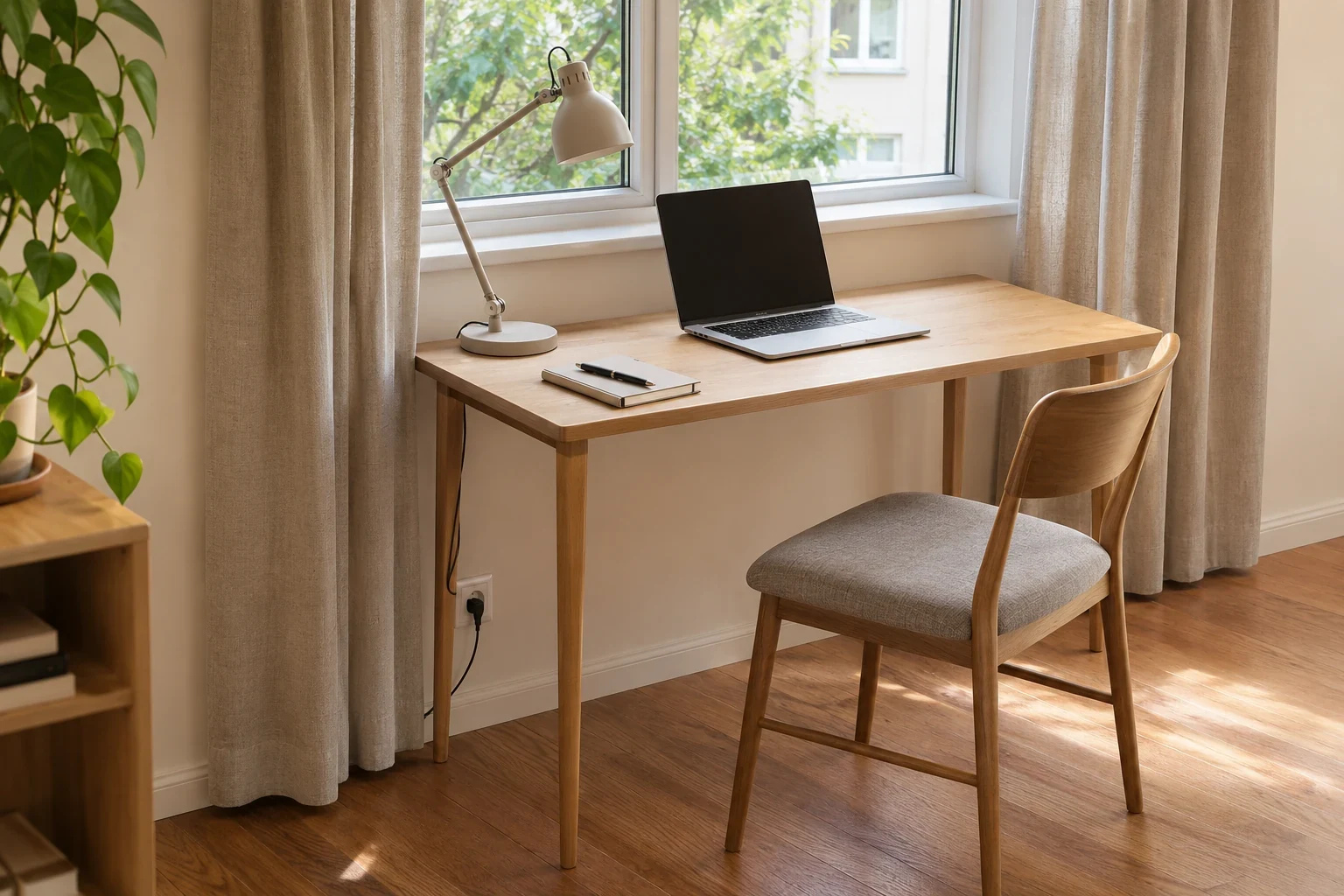
For a shallow desk, choose the lamp from the space your work needs first. Keep the keyboard, pointing device and any active paper area usable, then find a lamp whose support and head can sit around that activity. A small base is helpful only when the light reaches the right place without putting the shade in front of the screen.
A freestanding lamp, a clamp lamp and a wall-mounted light solve the support problem in different ways. Compare those differences before shopping by appearance or total height.
Lay Out an Ordinary Work Session
Place the actual laptop or monitor, keyboard and pointing device on the desk. Open the notebook you normally use. Leave room for the motion of your hand, not just for the outline of the equipment at rest. If the desk is already too shallow for your activity, a smaller lamp cannot repair that basic mismatch.
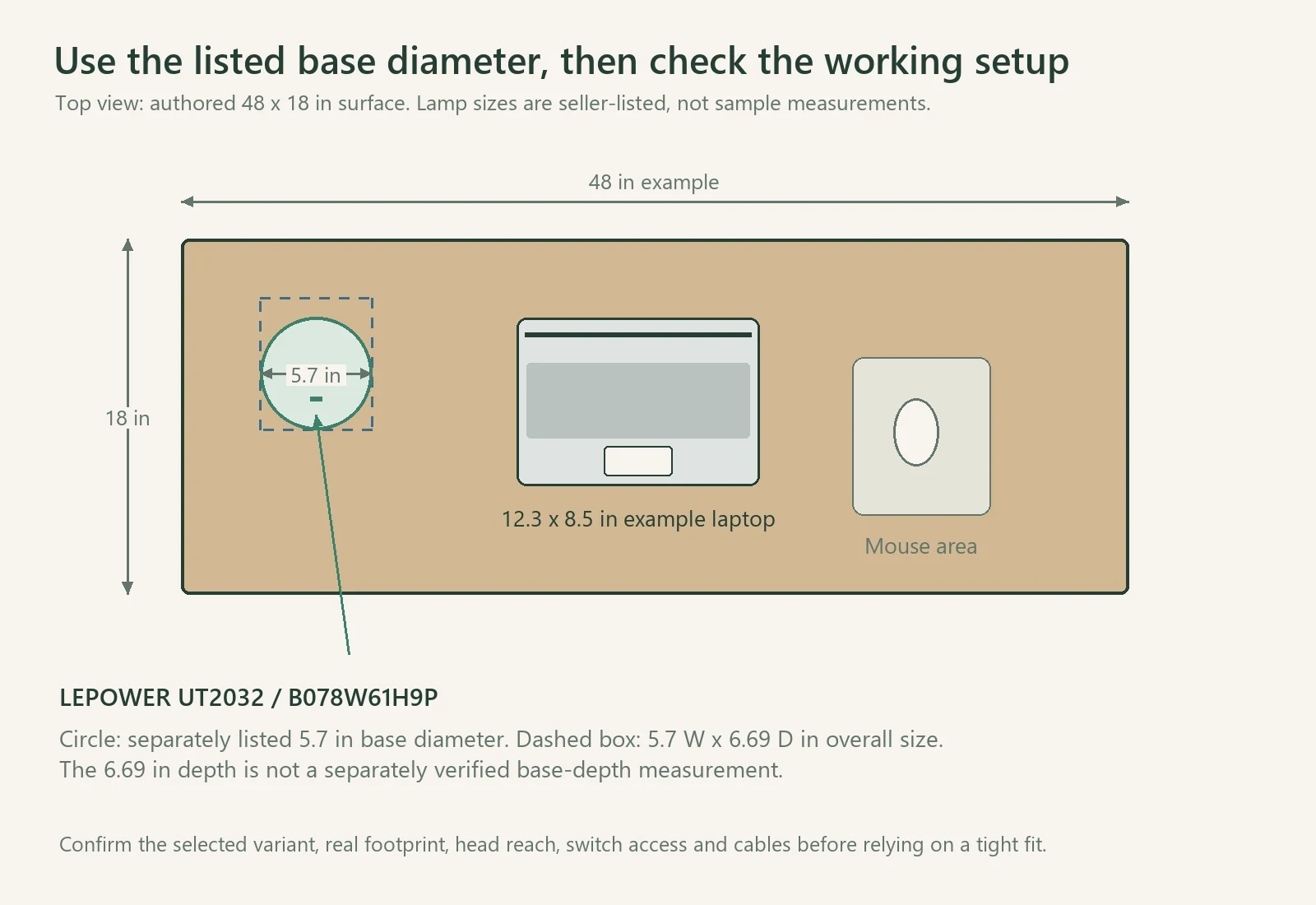
Next mark the places a lamp support could occupy. A back corner often works, but a monitor stand, shelf or window curtain may already use it. A front corner can leave the switch accessible while making the base easy to knock. Test both with the activity in progress.
Keep the light's support fully on a suitable surface. Do not let half the base overhang to recover a little work area. If no stable base position remains, consider a compatible clamp or properly mounted wall option rather than balancing a lamp at the edge.
Compare a Base with a Clamp
A freestanding base is straightforward when a real patch of desk is available. Measure its actual footprint, including any switch projecting from it. Overall product width can help screen candidates, but it is not always a separately measured base diameter or shape.
A clamp moves the support to an edge, yet still needs compatible thickness, a suitable flat contact area and room beneath the desktop for its jaws or fixing. A drawer box, beveled edge or rear panel can prevent a clamp fitting even when the desk is thin enough. Check the selected clamp's instructions and the desk material rather than assuming any edge is suitable.
Also look behind the desk. A clamp screw or arm joint can need more space between the table and wall. Pulling a desk forward may recover the clamp location while reducing the room's passage, so include that change in the whole setup.
Position the Head While You Work
Turn on the screen and put the paper in its normal position. Aim the lamp so it helps the working area without showing as an unwanted reflection or a bare bright source in your view. Move the lamp and head within the fixture's intended adjustment range, one change at a time.
For writing, check the shadow of your actual hand. Put the lamp on the side that gives useful light during the task rather than following a left-or-right rule unrelated to your posture and room. For screen work, check both the seated view and the reflection as you lean or turn normally.
An adjustable neck can help reach the paper from a back corner, but the stated overall height does not prove the head reaches your target. Look for the range of movement or a useful dimensional drawing. If you cannot establish that relationship, keep the lamp as a candidate rather than assuming its flexibility covers every position.
Read the Bulb and Control Requirements
For a replaceable-bulb lamp, check socket type, the fixture's permitted wattage and the physical room inside the shade. Compare bulb brightness in lumens and light appearance separately from electrical power. Dimmer use requires a compatible lamp-and-bulb combination; a bulb described as dimmable does not add a dimmer to a simple on/off lamp.
Decide where the control should be during work. A switch on the base can be easy to use if the base remains exposed; it becomes awkward behind a monitor or paper stack. An inline switch needs an accessible cable position rather than being allowed to fall behind the desk.
Keep the cord out of chair wheels and walking space. Confirm that the lamp's allowed location and shade clearance suit any nearby curtain or shelf. Do not let a moveable fabric panel drape onto a light fixture.
A Small Freestanding Example
The sandy-black LEPOWER metal desk lamp, ASIN B078W61H9P, is described with an adjustable neck, E26 socket and an on/off switch on its base. Its listed overall dimensions are 6.69 inches deep, 5.7 inches wide and 14.17 inches high. The listing's Measurements section separately gives a 5.7-inch base diameter. These are seller-listed dimensions, rather than our own measurements. Use that diameter for the initial plan, then confirm the selected variant and real footprint before relying on a tight fit; the 6.69-inch overall depth is not a separately verified base-depth measurement.
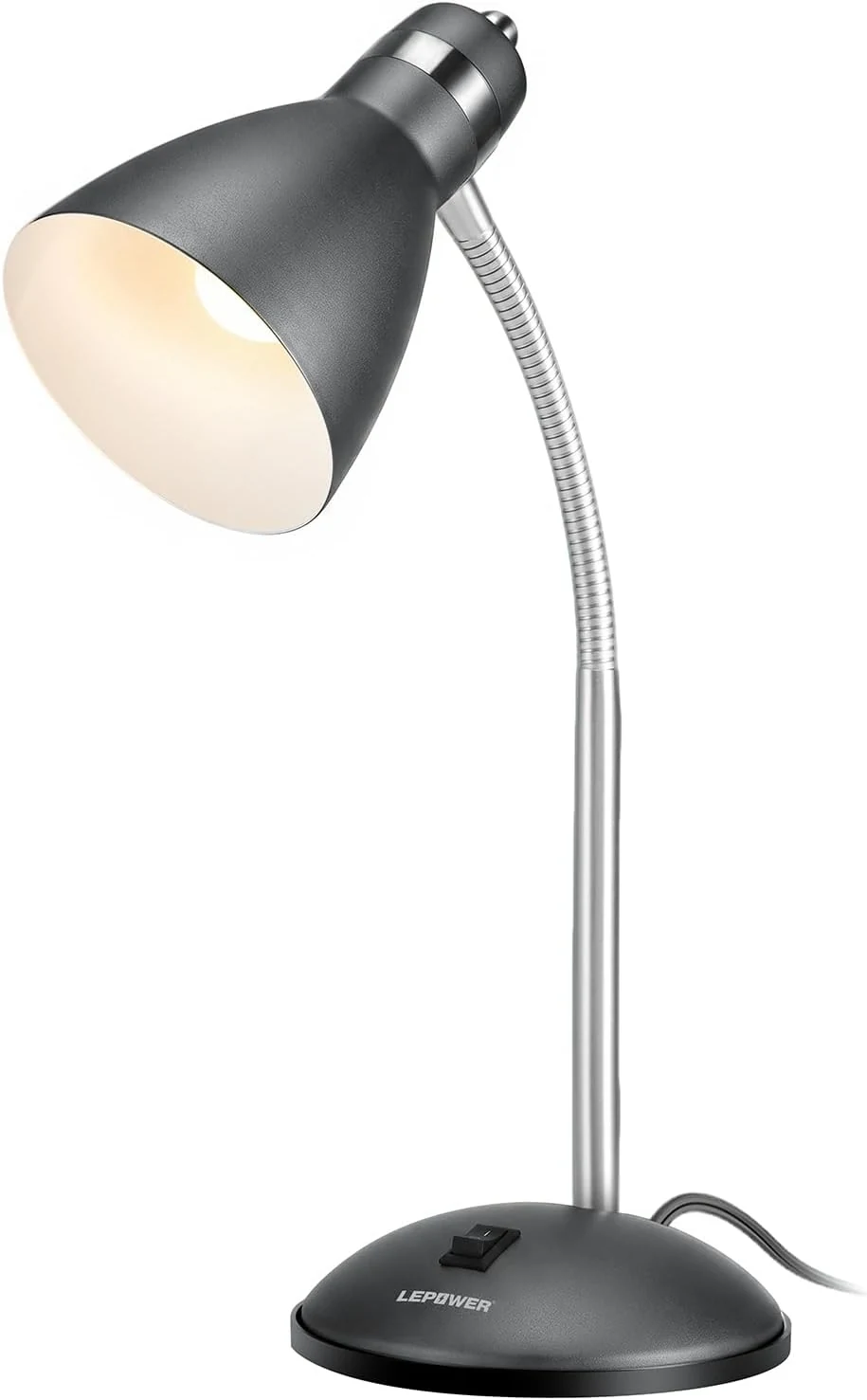
Use it as a format to compare where a base can remain available. Check the current bulb inclusion, fixture label and exact adjustment before purchasing. Do not assume an integrated-LED model with a similar name is the same lamp.
Finish with the desk in its busiest normal state. Open the notebook, move the pointer and operate the lamp. If using the light requires moving the keyboard each time, change the support position or fixture format. The right compact lamp leaves the shallow surface workable throughout the task.