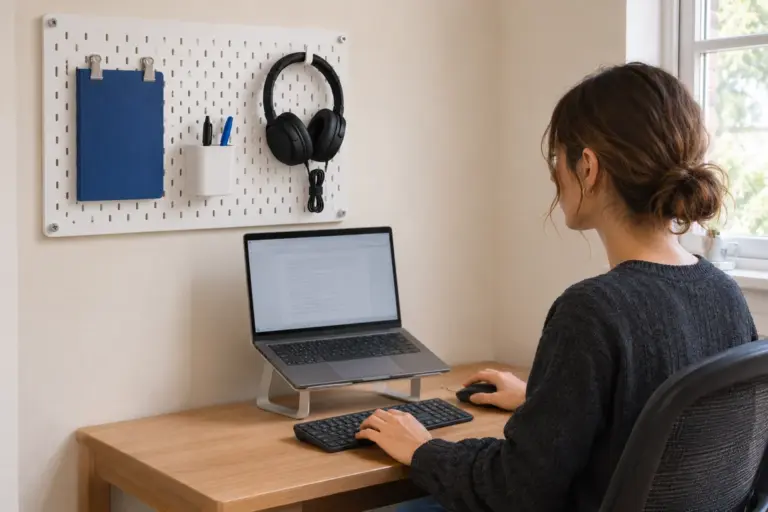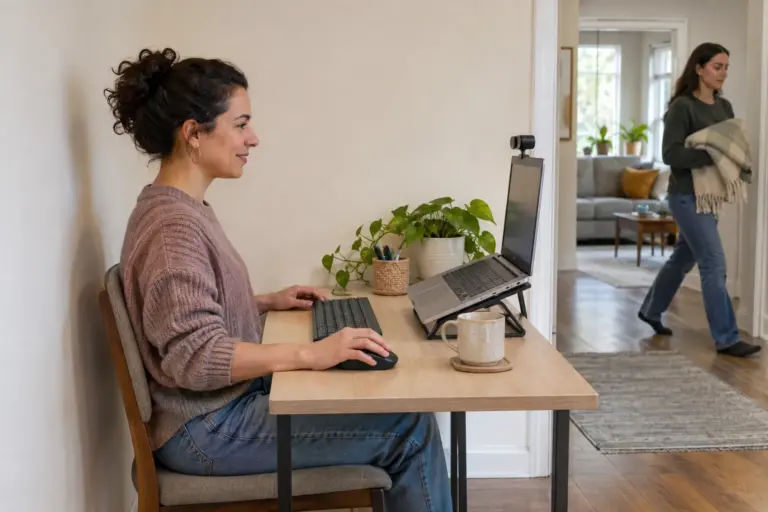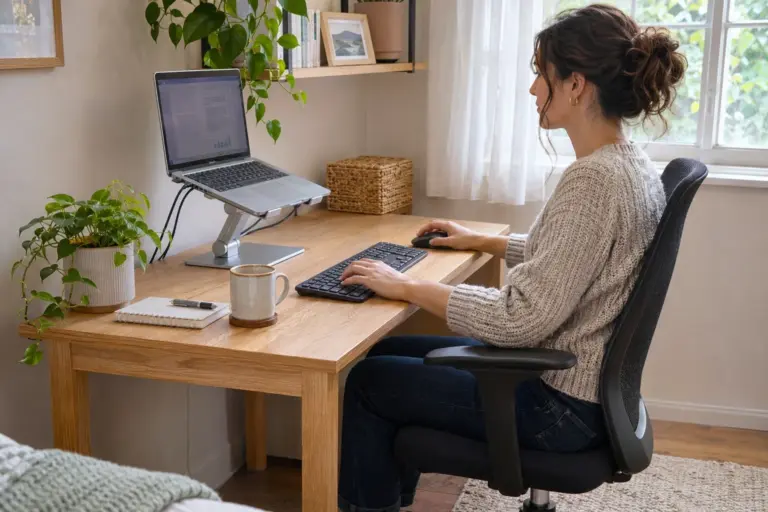
Choose the shallowest desk that supports the work you actually do, with the screen, input devices, papers and your body in usable positions. A desk that fits the wall but pushes the mouse out of reach has not saved useful space. It has moved part of the task into an awkward position.
Start with a full-size trial of the equipment, then measure the surface it needs. Check the room and chair afterward. There is no single desk depth that suits every laptop, monitor stand, user and type of work.
Define the Complete Task Before Measuring the Desktop
List what must be available at the same time. A laptop used briefly for messages is different from a raised laptop with a separate keyboard and mouse. A monitor-based setup with printed references is different again. Include the open notebook, drawing sheet or other materials that you use while typing, not only the equipment that looks tidy after work.
Measure the actual items. For a monitor, record its stand's contact footprint and the screen's position relative to that base. For a laptop, include the open screen and the space it needs to tilt normally. A stand may change the laptop's footprint, but the external input devices still need homes.
Separate daily essentials from things that can live nearby. A spare charger or closed reference book might move to another suitable shelf. The keyboard, mouse and material you consult every few minutes should not be removed merely to make the smallest desk appear adequate.
OSHA's desk guidance keeps frequently used devices in the primary work area and considers both equipment placement and space underneath. Use that relationship as the starting point: storage is useful only when it leaves the working arrangement usable.
Try the Footprints Together at Working Height
Mark the candidate desktop's usable width and depth on a stable existing table or another suitable supported surface. Use floor-safe or surface-safe materials appropriate to the finish, and test any adhesive first. Keep the actual equipment fully supported; do not balance electronics on a loose cardboard panel extending beyond a table.
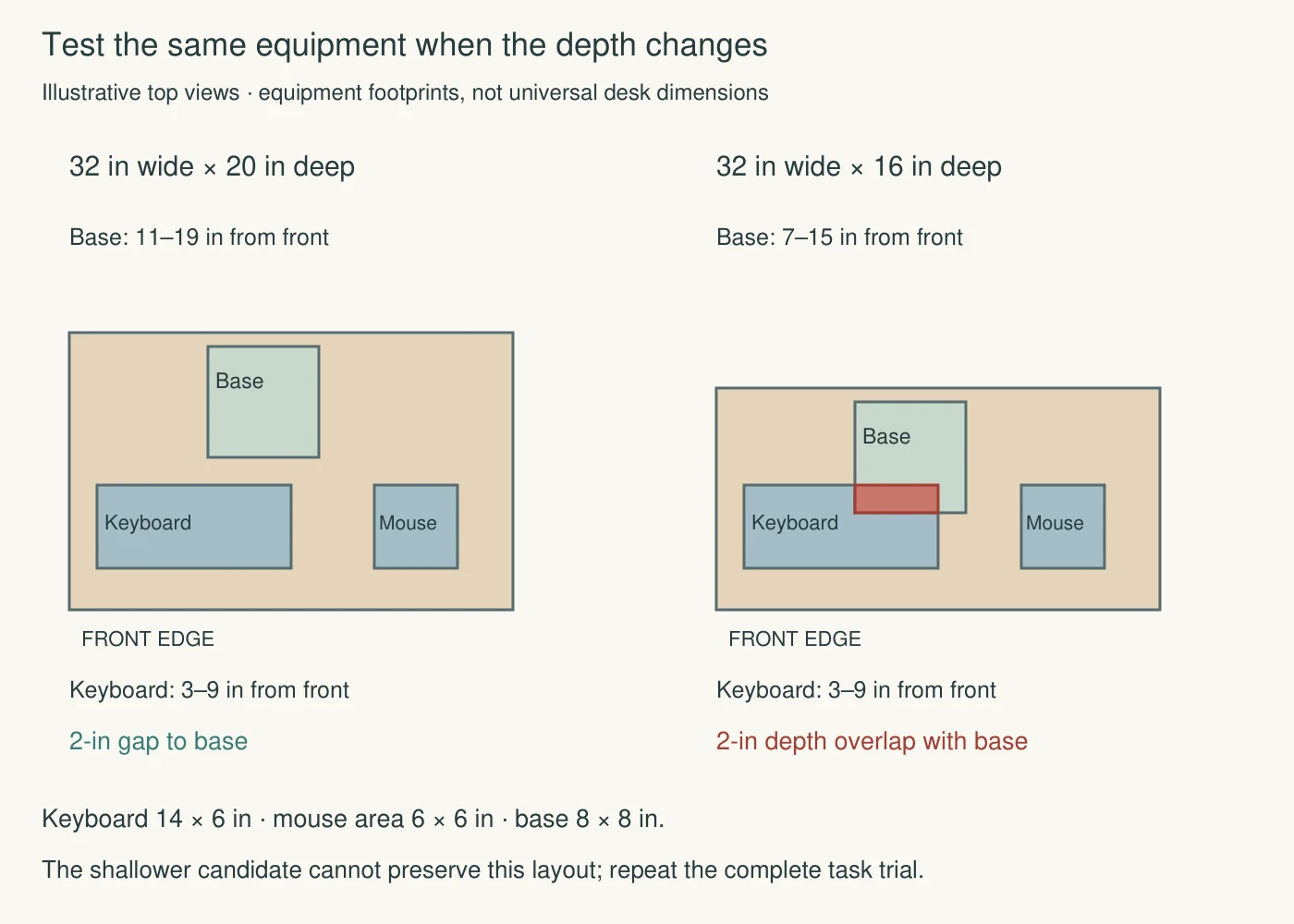
Place the screen and its base, then the keyboard and mouse. Keep any inputs you use together on a suitable working level. Test moving the mouse through the range your work needs, rather than leaving just enough room for it to sit still. Include cables and plugs behind equipment where they affect placement.
The first illustrated plan uses a hypothetical 32-by-20-inch top, a 14-by-6-inch keyboard, a 6-by-6-inch mouse area and an 8-by-8-inch monitor base. The keyboard occupies the depth from 3 to 9 inches behind the front edge; the base sits from 11 to 19 inches. A 2-inch gap separates those footprints.
On the 16-inch-deep candidate, keeping the base 1 inch from the back puts it between 7 and 15 inches from the front. It then overlaps the keyboard's depth between 7 and 9 inches, where their widths also overlap. That layout cannot keep the same equipment in the same usable positions. The example does not establish 20 inches as a universal minimum; it shows why subtracting depth requires another complete trial.
Measure Viewing Distance from the Eyes, Not the Desk Edge
Desk depth and screen viewing distance are different measurements. Your eyes are outside the front edge, and the display's front surface may sit forward of the back edge. Measure from your actual seated eye position to the screen you are viewing.
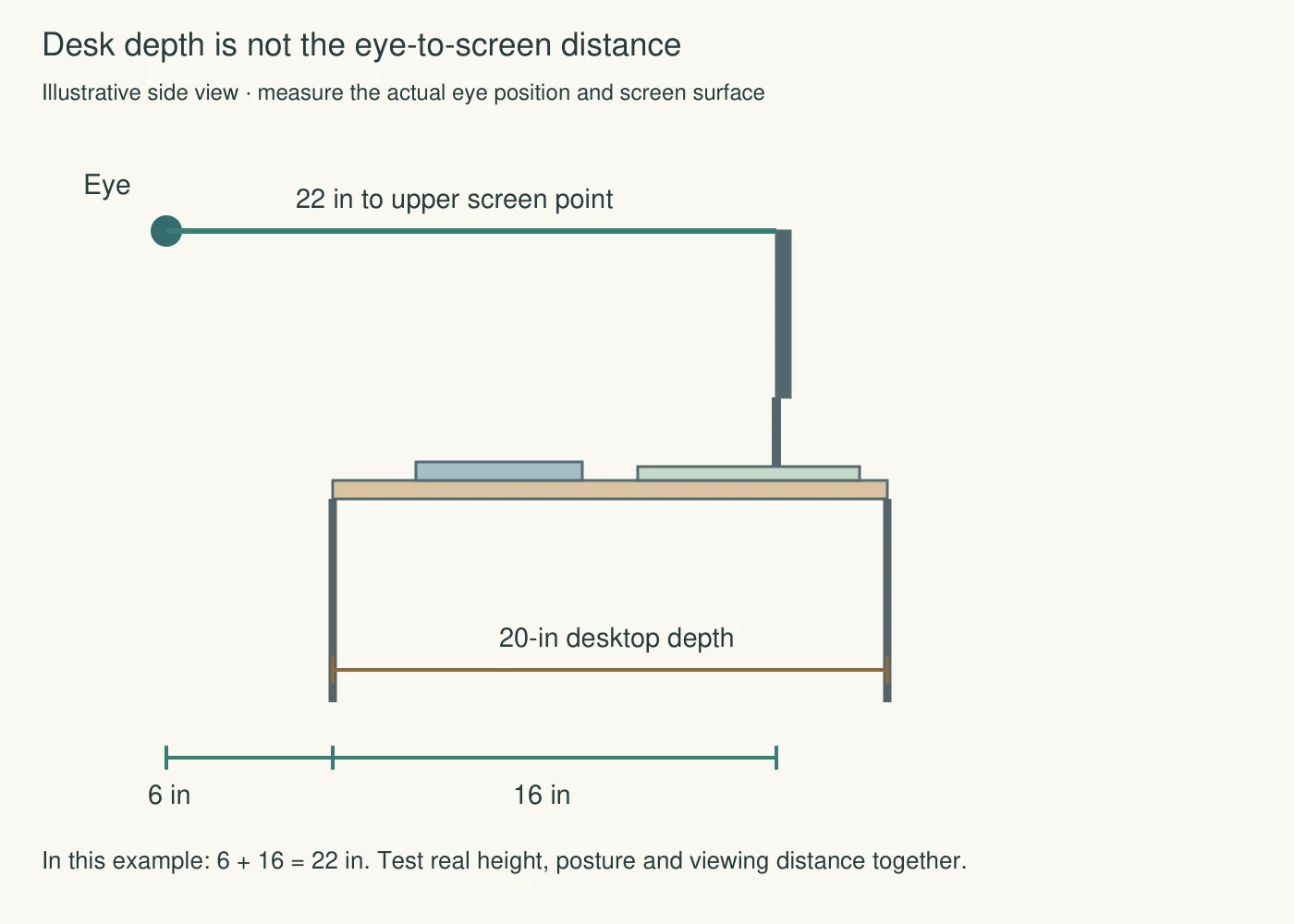
OSHA's desk guidance uses at least 20 inches as a monitor-placement reference. That is an eye-to-screen relationship to assess with the actual equipment and user, rather than a rule that a 20-inch desktop automatically passes. Read your ordinary work without leaning forward or pushing the keyboard beyond a usable reach.
In the simplified side-view example, the eyes are 6 inches in front of the desktop's front edge, and the viewed screen point is 16 inches behind that edge. With both points at the same illustrated height, the horizontal eye-to-screen distance is 22 inches. The 20-inch desktop depth is not the number used for that sightline.
Check the real screen's height, angle and text size too. Do not move the chair far backward just to increase viewing distance if that makes you stretch to type. A laptop's connected screen and keyboard can also require a different arrangement from a separate monitor and keyboard; repeat the whole trial when adding a stand or external devices.
Check Hands, Forearms and the Front Edge
Sit at the trial surface with the chair adjusted appropriately for you. OSHA's keyboard guidance describes the keyboard directly in front, shoulders relaxed, elbows near the body and wrists aligned with the forearms. It also asks you to consider the pointing device alongside the keyboard.
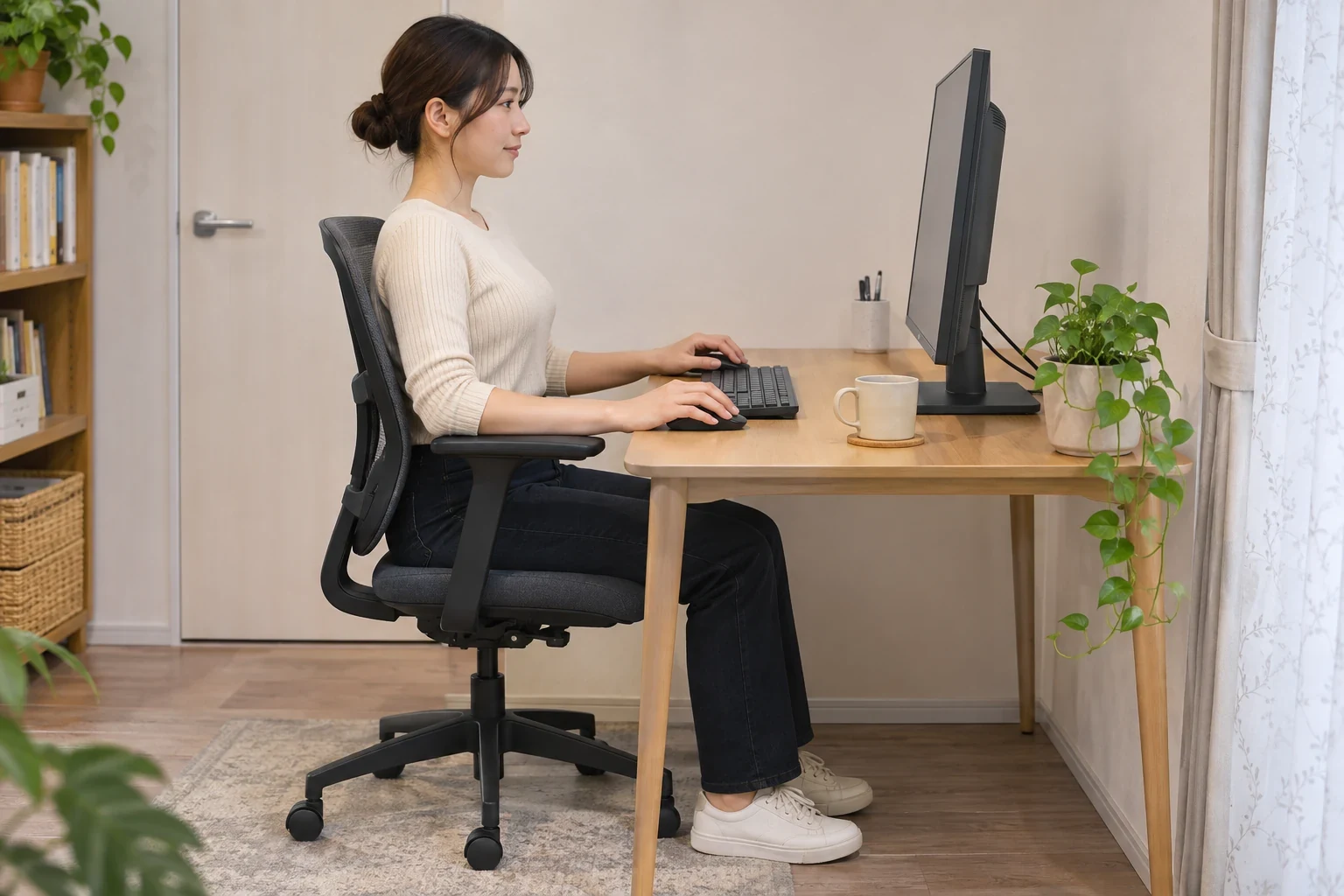
Use those checks while doing a short sample of the real task. Can you type and move the pointer without repeatedly reaching across something else? Are the chair arms preventing you from approaching the surface? Does the front edge press into your forearms or wrists? A shallow top can expose those problems even when every device fits inside its outline.
Do not assign a fixed strip of “forearm space” and assume that settles the position for everyone. Keyboard height, shape and distance interact with the chair and the user. Keep the edge and input arrangement suitable for the actual use, rather than treating a photograph as a posture measurement.
If the setup works only when the mouse moves onto a higher surface or the keyboard hangs partly off the front, reject that arrangement. Changing to appropriate equipment may help, but measure and test the replacement's whole task footprint before deciding that it rescues the desk.
Add Paper Work and Check Underneath
Open the notebook or document you genuinely use while typing. Place it where you can read or write normally without covering the mouse area or moving the monitor off to an inconvenient side. A desk that supports computer-only work may not support the same computer plus a large paper task. In the paper overlay, an 8.5-by-11-inch reference page placed beside the keyboard overlaps the mouse area; the earlier computer-only fit is not enough for that job.
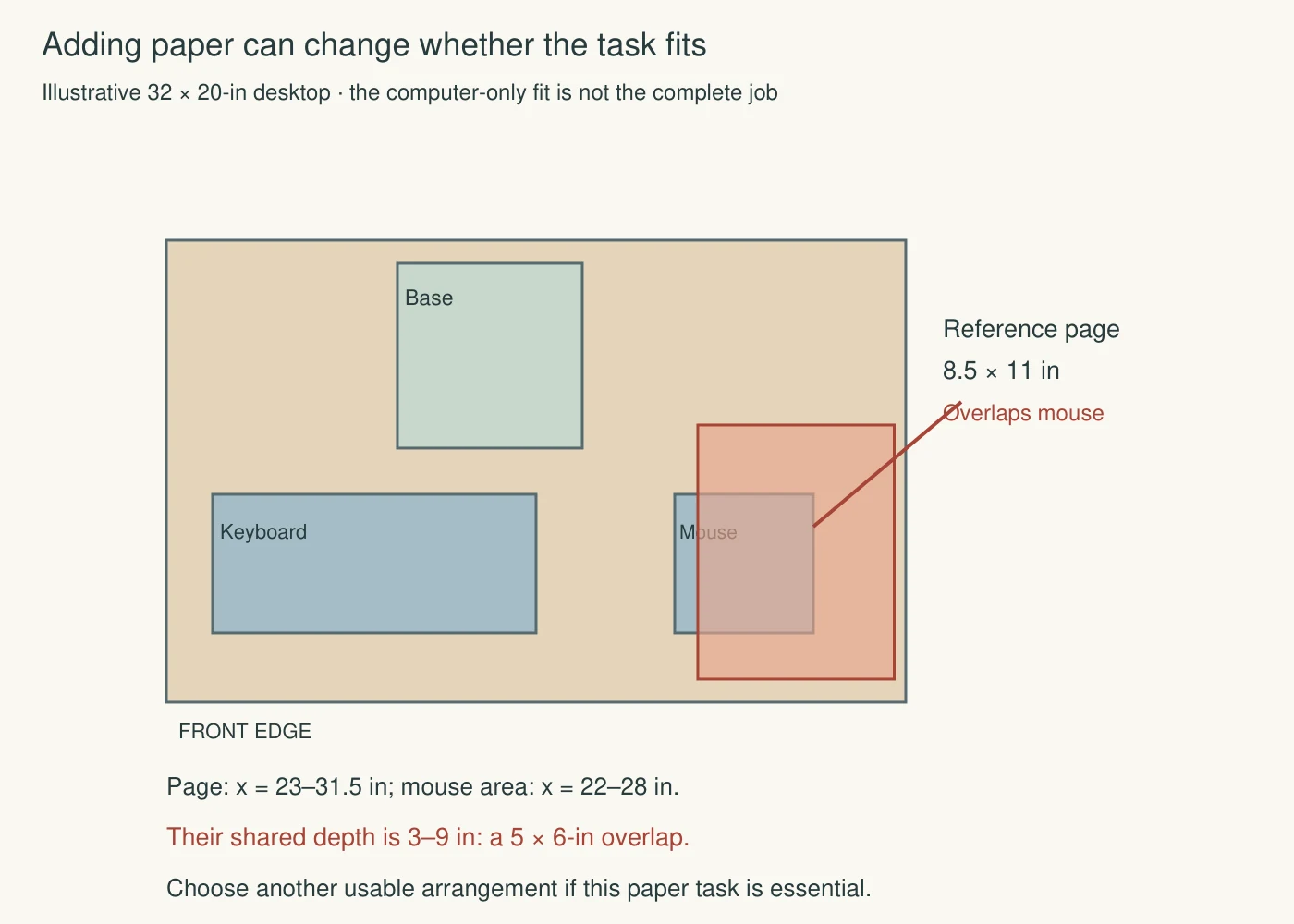
Decide whether a little more width, more depth or a different work location solves that requirement. Do not silently remove the paper task from the plan because a narrower furniture listing is attractive. A nearby surface helps only if it is suitable and the repeated movement between surfaces works for the activity.
Look under the candidate desk as well. Check the actual height, underside supports, apron or drawers against the chair, thighs, knees and feet. Keep the necessary area available for movement. A cupboard beneath the desk or a rear brace can reduce usable space that is not apparent from the top dimensions.
Finally, place the desk's whole footprint in the room plan and test the occupied chair and getting up. A reduced desktop depth does not remove the chair's use space or a cable route. Keep the room's doors, walking route and required access available in the working arrangement.
A Compact Purchasing Option to Compare with the Trial
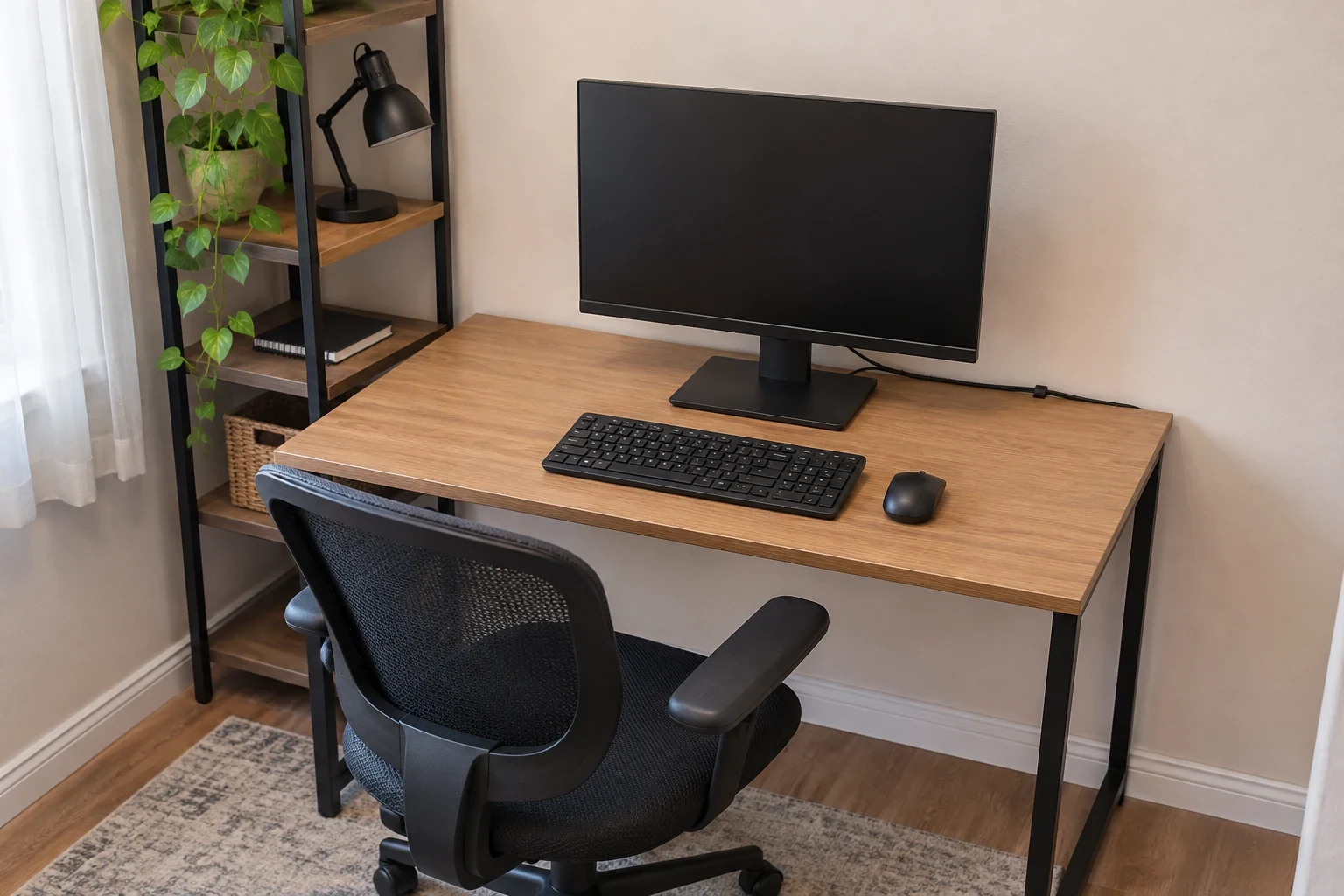
The VASAGLE ULWD038B01, ASIN B091GW9VXD, is the rustic-brown and dark-frame desk with a listed 31.5-inch-wide by 19.7-inch-deep tabletop. The selected package is one desk with its accessory kit and instructions; the chair is not included. It is a candidate to compare against your measured task, not the exact 32-by-20-inch example drawn above.
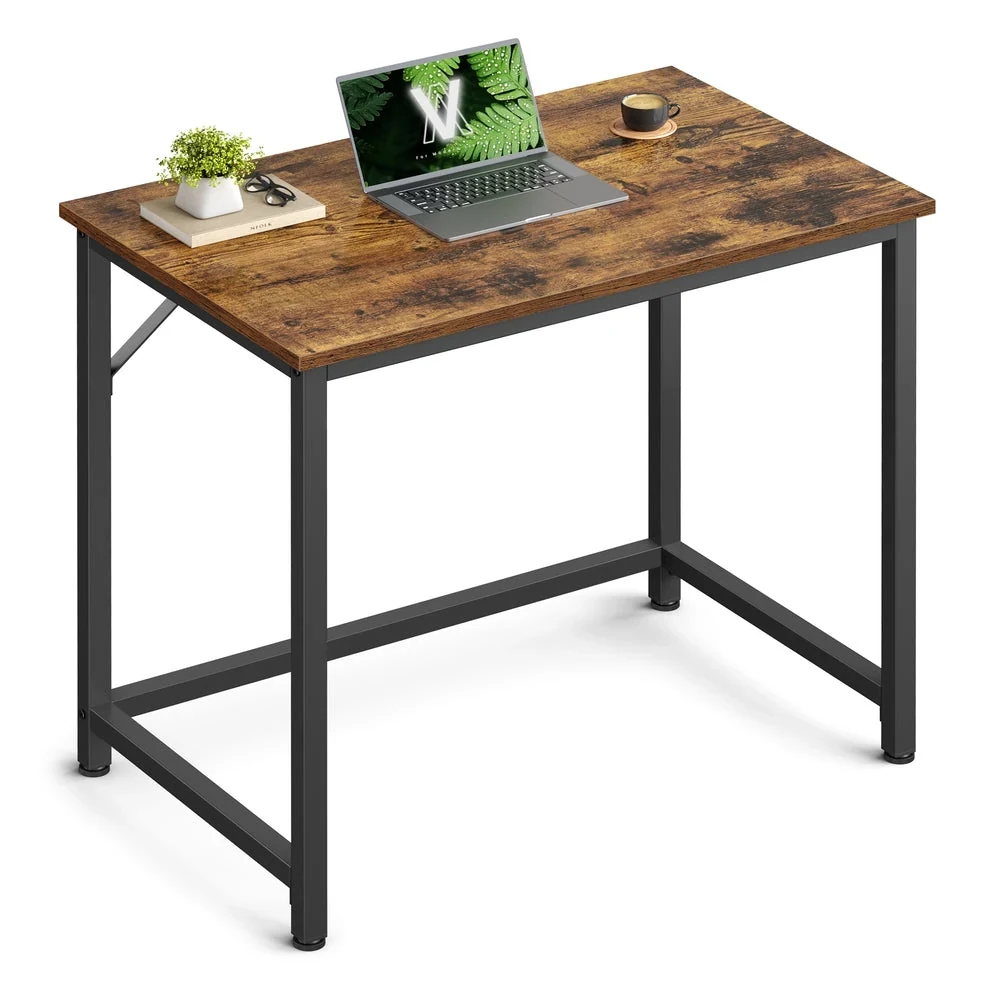
Confirm the assembled height and usable underside clearance before buying. The retailer page has conflicting height fields, 29.9 and 29.5 inches. The current manufacturer description confirms the model and matching photograph but does not resolve that difference. Do not treat either number as a verified chair-height match.
Disclosure: As an Amazon Associate, Livable Corners earns from qualifying purchases.
Check the VASAGLE ULWD038B01 compact desk on Amazon
Choose the exact model and size only after the equipment, body and room trials work. If an essential part of the task still has no usable position, choose a different desk or arrangement. The useful space saving is the smaller footprint that still lets you do the work normally.